
GorillaPDF logoGorillaPDF
HomeAboutBlogContactLogin
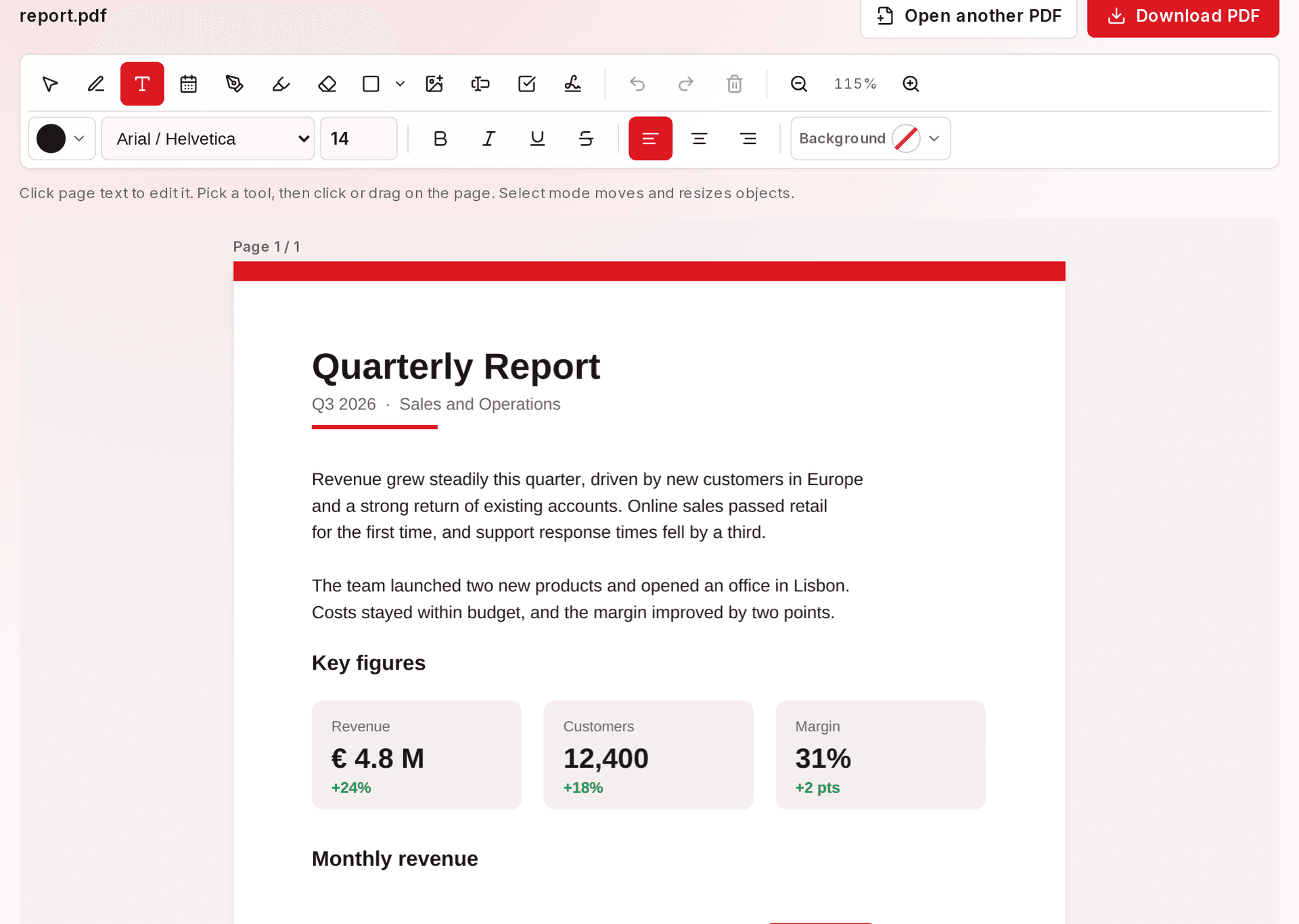
Easy and smooth, convert your docs and images into PDF files with GorillaPDF.

Free Online PDF Converter for Busy People

Convert your files to PDF documents and vice versa with GorillaPDF converter. No downloads and logins, it works online, it secure and 100% FREE!

GorillaPDF online PDF converter illustration

PDF Tools

Choose a conversion workflow

GorillaPDF

Start converting your files online

PDF to PDF/A

The Ultimate PDF Converter for Busy Professionals

Perfectly formatted PDFs from every office document.

Looking to convert your Microsoft Office files to professional-looking PDFs? Your search ends here with our suite of converters!

With our Word to PDF Converter, you can eliminate formatting errors and produce sleek, shareable documents.

Concerned about complex Excel spreadsheets? Our Excel to PDF Converter ensures consistent formatting, providing you with peace of mind.
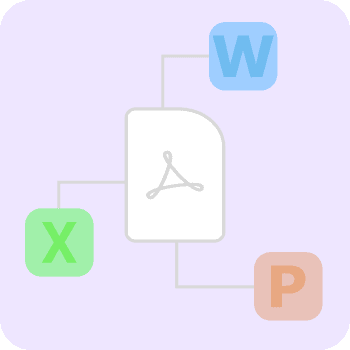

Convert Microsoft Office Documents to PDF files

Reviews

Review GorillaPDF on Capterra & G2

"GorillaPDF is a free, online, PDF converter. It's very simple and easy to use and is a great alternative to paid PDF converter software such as Adobe."

Jessi N. - Director of Marketing & Business Development

GorillaPDF Capterra ReviewsGorillaPDF G2 Crowd Reviews

How it works

Frequently asked questions

Is GorillaPDF free?

Yes. All tools are free and add no watermarks. Without an account you get 5 conversions per tool per day; a free account gives you 20 conversions per tool per day. Premium accounts have unlimited conversions. The PDF Editor, Sign PDF and PDF Reader work in your browser and have no limit.

Do I need to create an account?

No. Every tool works without signing up. A free account gives you more conversions per day and a dashboard with your conversion history and most used tools.

Are my files safe?

Files are sent over an encrypted connection, used only for your conversion and deleted from our servers automatically after a few hours. We never share or read them. The PDF Editor, Sign PDF and PDF Reader don't upload your file at all: it never leaves your browser.

How large can my files be?

Up to 50 MB per file. JPG to PDF, PNG to PDF and Merge PDF accept up to 10 MB per file.

Which formats can I convert?

To PDF: Word, Excel, PowerPoint, JPG, PNG, TXT, HTML and OpenDocument files. From PDF: Word, Excel, PowerPoint, JPG, PNG, TXT and PDF/A. You can also compress, merge, split, protect, unlock, edit and sign PDFs, and recognise text in images with OCR.

Does it work on my phone or Mac?

Yes. GorillaPDF runs in any modern browser on Windows, Mac, Linux, Android and iPhone. There is nothing to install.

Why did my conversion fail?

The most common reasons are a password-protected PDF (remove the password with Unlock PDF first), a damaged file or a file over the size limit. Try again, and if it keeps failing, let us know through the contact page.

How can I contact you?

Use the contact form. We read every message and usually answer within one or two working days.